How does Buy Blocker work?
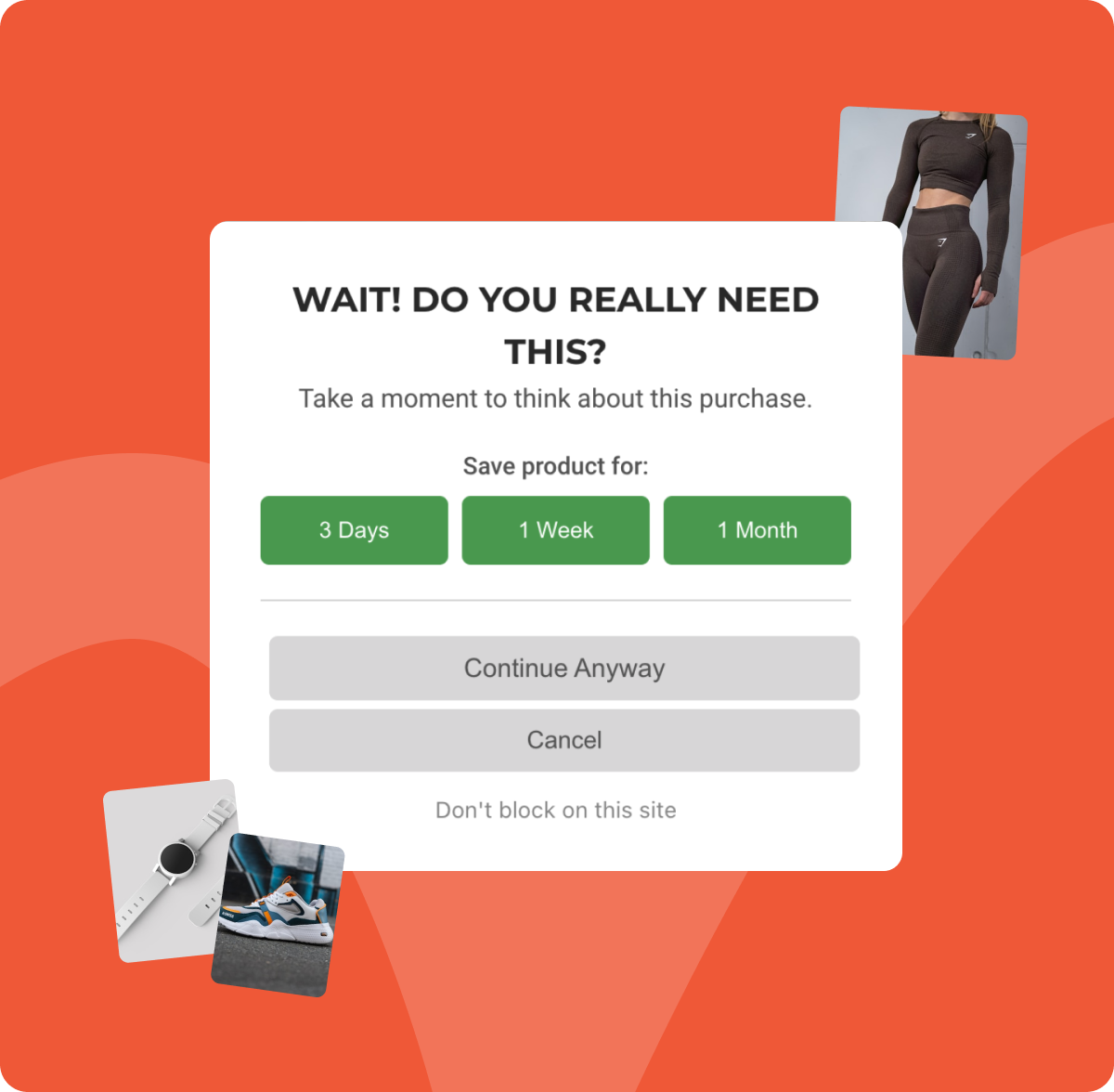
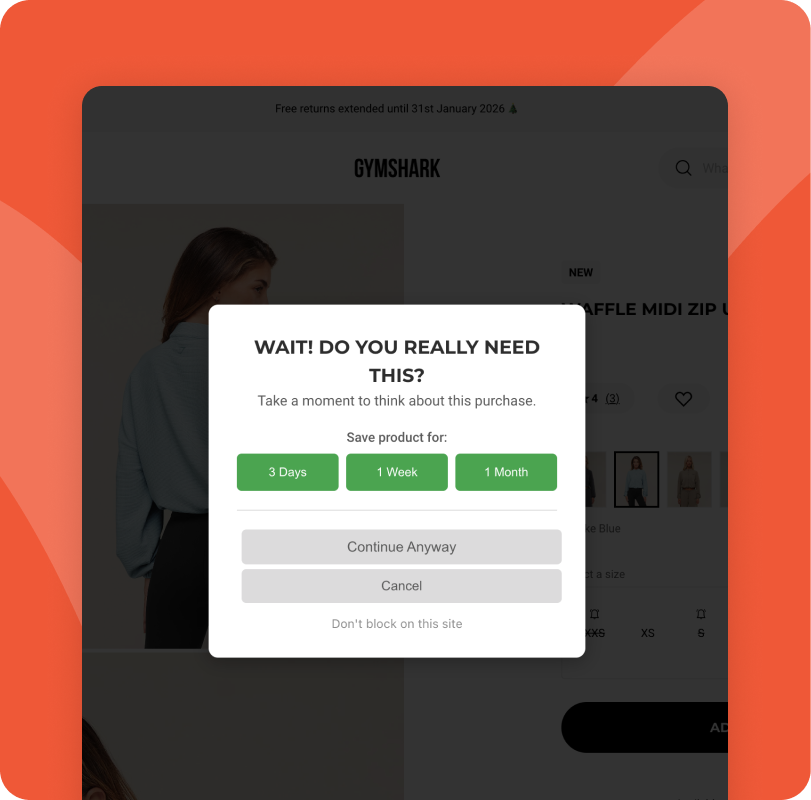
Buy Blocker detects when you click purchase buttons on shopping websites and shows a popup asking if you really need the item. Depending on which mode you've chosen, you'll see a simple confirmation, a 16-second box breathing exercise, or a quick math question. All designed to create a moment of reflection before you spend. You can continue, save the item for later, or cancel.
Will it block all my purchases?
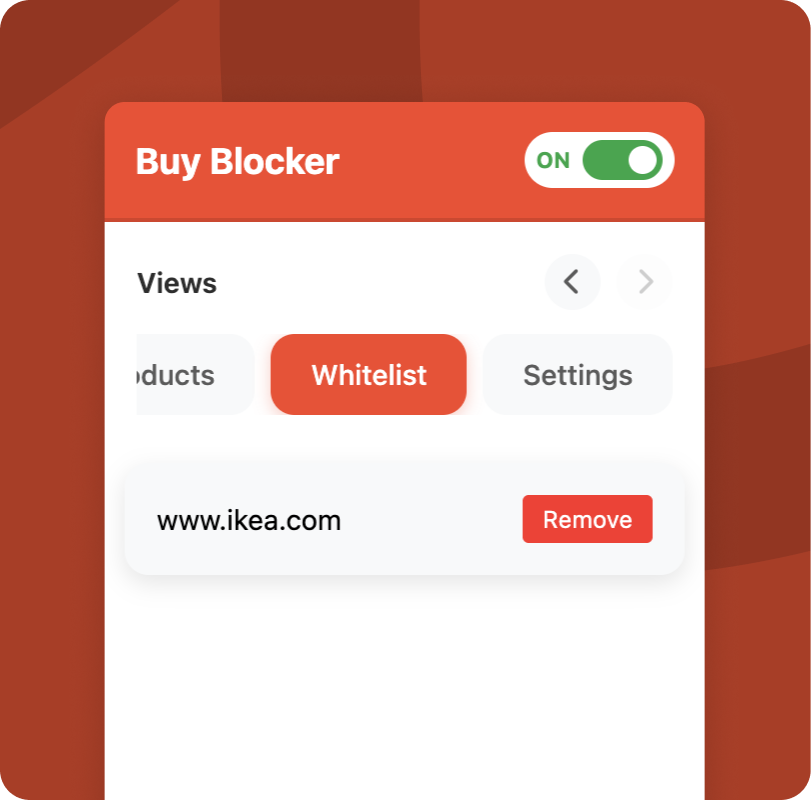
No. Buy Blocker gives you the choice every time. You can always click "Continue Anyway" to proceed with your purchase immediately. You can also whitelist trusted sites like grocery stores or utility companies where interruptions would be annoying.
What blocking modes are available?
There are three modes to choose from:
Normal shows a quick popup that asks if you really want to buy. Simple and fast.
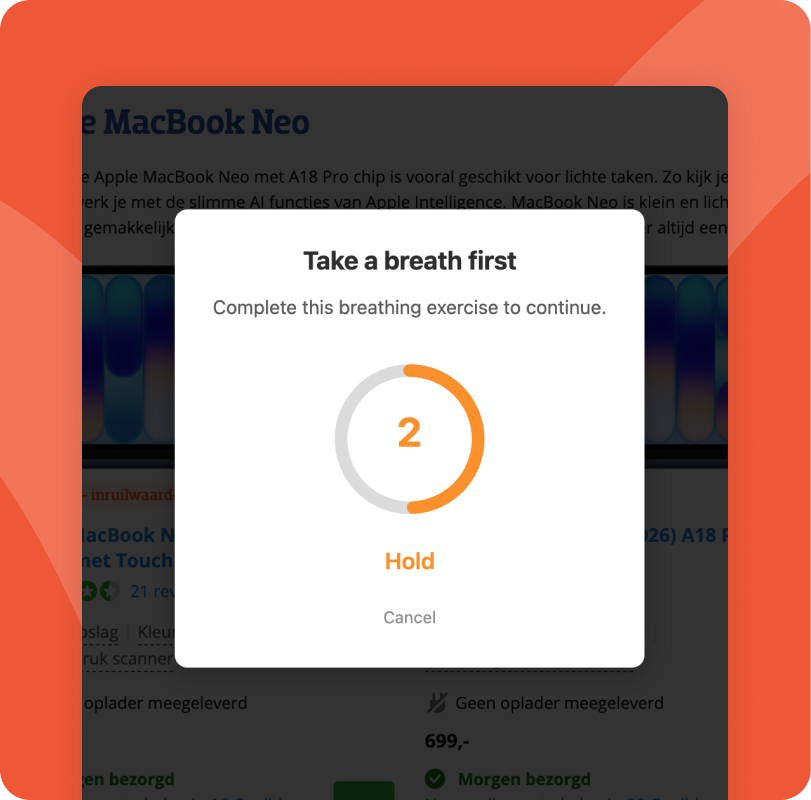
Box Breathing walks you through a 16-second breathing exercise before you can continue. It calms the impulse and gives you a moment to think.
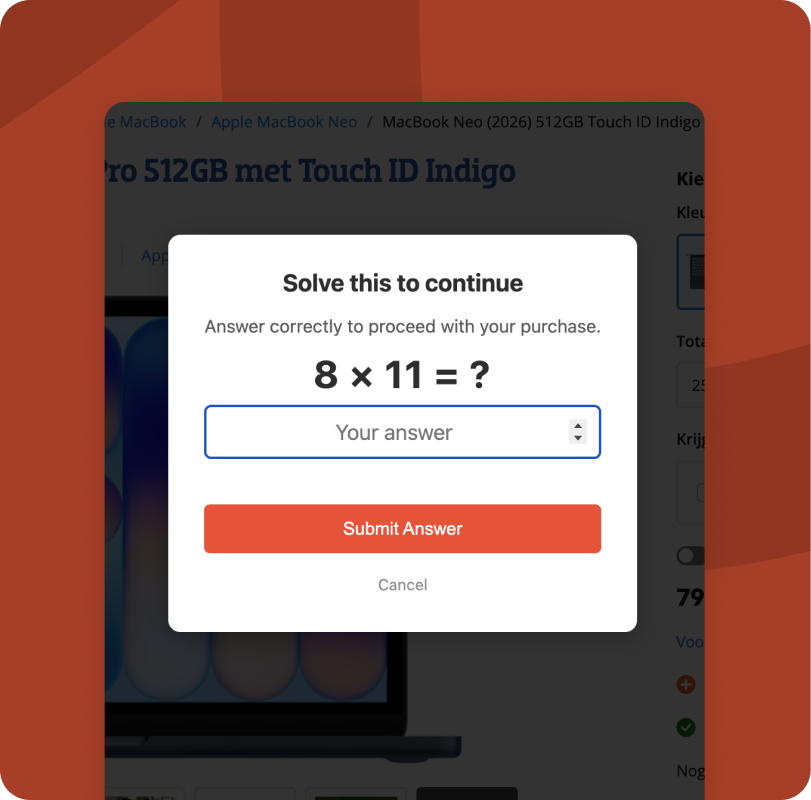
Math Mode makes you solve a simple math question before continuing. Enough friction to break the autopilot, not enough to be annoying.
You can switch modes anytime from the extension settings.
Can I add my own trigger keywords?
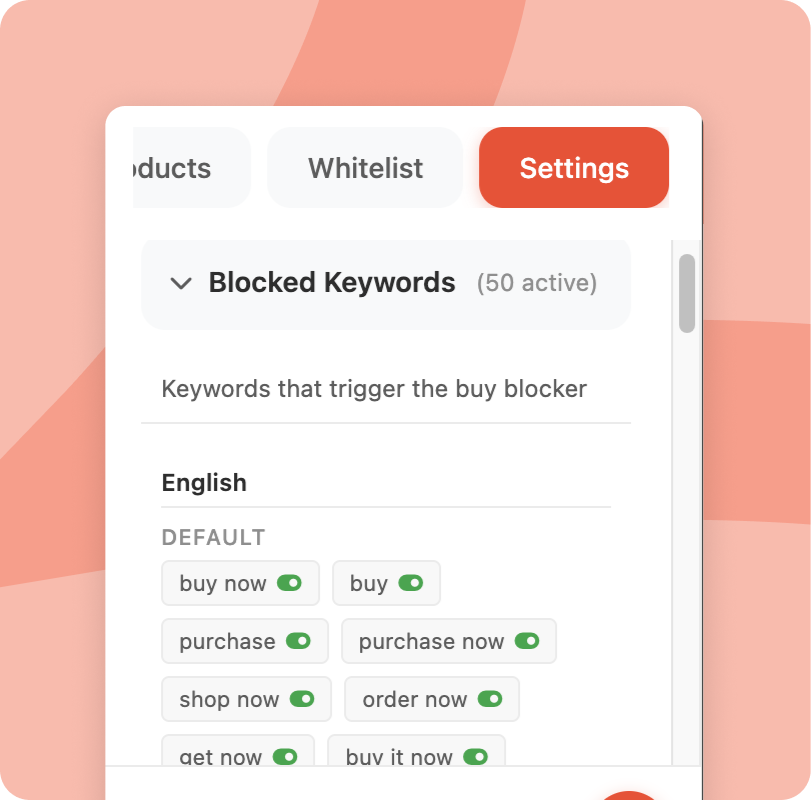
Yes! Buy Blocker comes with a list of common purchase keywords built in, but you have full control. In the settings tab you can add any word or phrase you want Buy Blocker to react to, in any language. You can also remove default keywords you don't need. It's your list.
What happens to items I save for later?
Saved items are stored in the extension with a countdown timer. You set how long to wait (1 day, 1 week, or 1 month). When the timer expires, items move to a "trash" folder where they stay for a few months before being permanently deleted. You can restore or delete items anytime.
On which browsers and devices does it work?
Buy Blocker is a Chrome Extension. That means it only works on desktop (Chrome extensions are not supported on Mobile; except for Chromium browsers on Android).
We hope to add Buy Blocker on other platforms as well in the future.
Does Buy Blocker collect my data?
No. Buy Blocker stores everything locally on your computer. We never see what you're shopping for, what sites you visit, or any personal information. Your shopping habits are completely private.
Which websites does it work on?
Buy Blocker works on most major shopping sites including Amazon, eBay, online clothing stores, electronics retailers, and more. It detects common purchase buttons like "Buy Now," "Add to Cart," and "Checkout."
You can also add your own keywords in the extension settings. If a site uses a button that isn't caught by default, just add the word and Buy Blocker will pick it up from then on.
Which languages are supported?
Buy Blocker comes with built-in keywords in English and Dutch, and we keep adding more. But you're not limited to those. You can add your own trigger words in any language directly from the settings tab. If your local shop uses a button Buy Blocker doesn't catch, just add the word and you're set.
Can I turn it off temporarily?
Yes! There's an on/off toggle in the extension popup. Perfect for when you're doing legitimate shopping or holiday gift buying. Just remember to turn it back on when you're done.
Is it really free?
Yes, completely free. No hidden costs, no premium features, no subscriptions. We built this because we struggled with impulse buying ourselves and wanted to share the solution.
How much money will I save?
That depends on your shopping habits, but our users report saving anywhere from $50 to $500+ per month. The average impulse purchase is around $30–50, and most people make several per month. Even blocking just a few purchases adds up quickly.
What if I actually need to buy something?
Then buy it! Buy Blocker isn't about restricting you. It's about making sure your purchases are intentional. If you genuinely need something, clicking "Continue Anyway" takes you straight to checkout. The extension just makes sure you're choosing to buy, not impulsively reacting.
Can I suggest new features?
Absolutely! We're constantly improving Buy Blocker based on user feedback. If you have ideas, use the feedback button in the extension or contact us directly.
 Add to Chrome
It's free!
Add to Chrome
It's free!

.png)